by Nathan Goldbaum | Apr 2, 2011 | Career Navigation
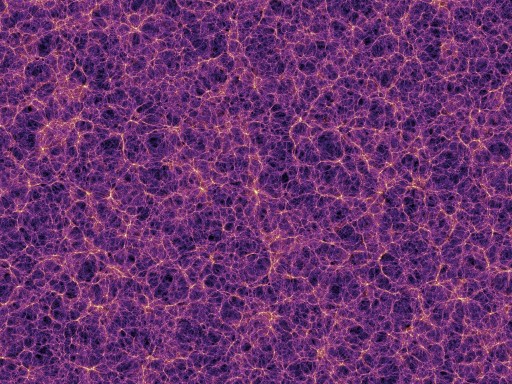
This is the first of two posts detailing how to install and operate the Gadget-2 hydrodynamics code. Click here for the second post in the series.Today’s astrobite will be another in a series on career advice and useful astronomical tools. So far, it looks like there’s been a dearth of posts on the tools of theoretical astrophysics, so I thought I’d take the opporunity to show how easy it is to run a simulation using Gadget-2, a smoothed particle hydrodynamics (or SPH) code. Gadget-2 is open source and publically available, so anyone can run simulations with it. In a future post, I’ll discuss how to set up and run a simple hydrodynamics test problem.The instructions for installing Gadget-2 will be highly platform dependent. If you’re running Linux or UNIX, you have all of the tools you will need to compile the codes already. If you’re on a Mac, you’ll need to install and update Xcode, which includes all of the compilers you will need. On Windows, you’ll probably need to install cygwin which will give your Windows installation full UNIX support. Since I have a Mac, I’m going to focus on getting these codes working on OS X Snow Leopard. If you have a different system, it might not be possible to follow my instructions exactly. I’ll be doing all of the simulations for this series of posts on my laptop, a Macbook Pro.First, you will need to download a few software packages. Gadget 2.0.7. Version 1.9 of the GNU scientific library (GSL). Version 2.1.5 of the FFTW fast Fourier transform library. A Message Passing Interface (MPI) library such...
by jsureshcfa | Mar 28, 2011 | Daily Paper Summaries
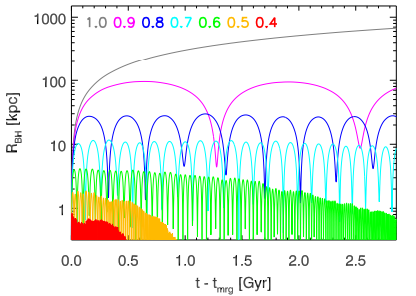
When galaxies merge, the super-massive black holes at their center can merge as well. General relativity predicts that the newly merged black hole can, in forming, be kicked with a large velocity out of the galactic center!
by Courtney Dressing | Mar 16, 2011 | Daily Paper Summaries
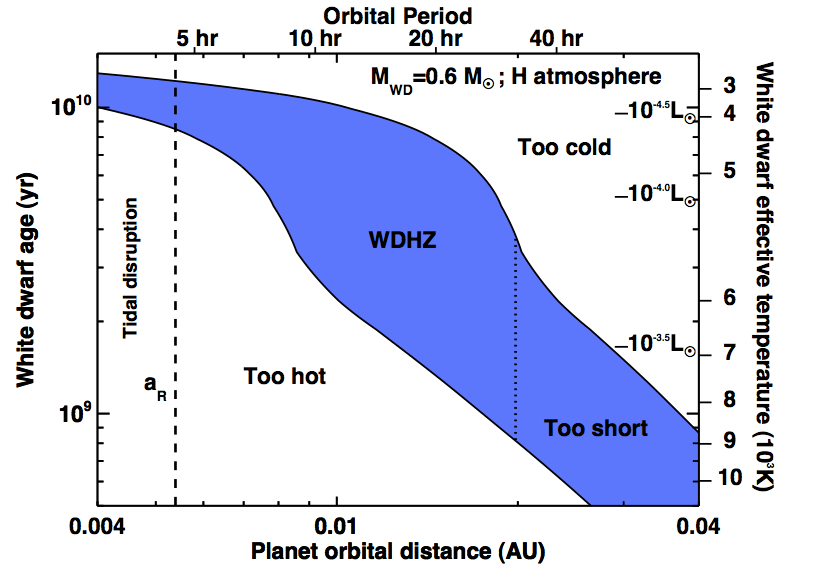
The Kepler mission is doing a fantastic job detecting planets around main sequence stars, but what about white dwarfs? Do they have planets? If they do, Agol 2011 suggests that those planets could be detected in ground-based transit surveys.

by Courtney Dressing | Mar 2, 2011 | Daily Paper Summaries
Ballard et al. analyze data acquired with EPOXI to search for additional planets in five systems with known planets.
by jsureshcfa | Feb 28, 2011 | Daily Paper Summaries
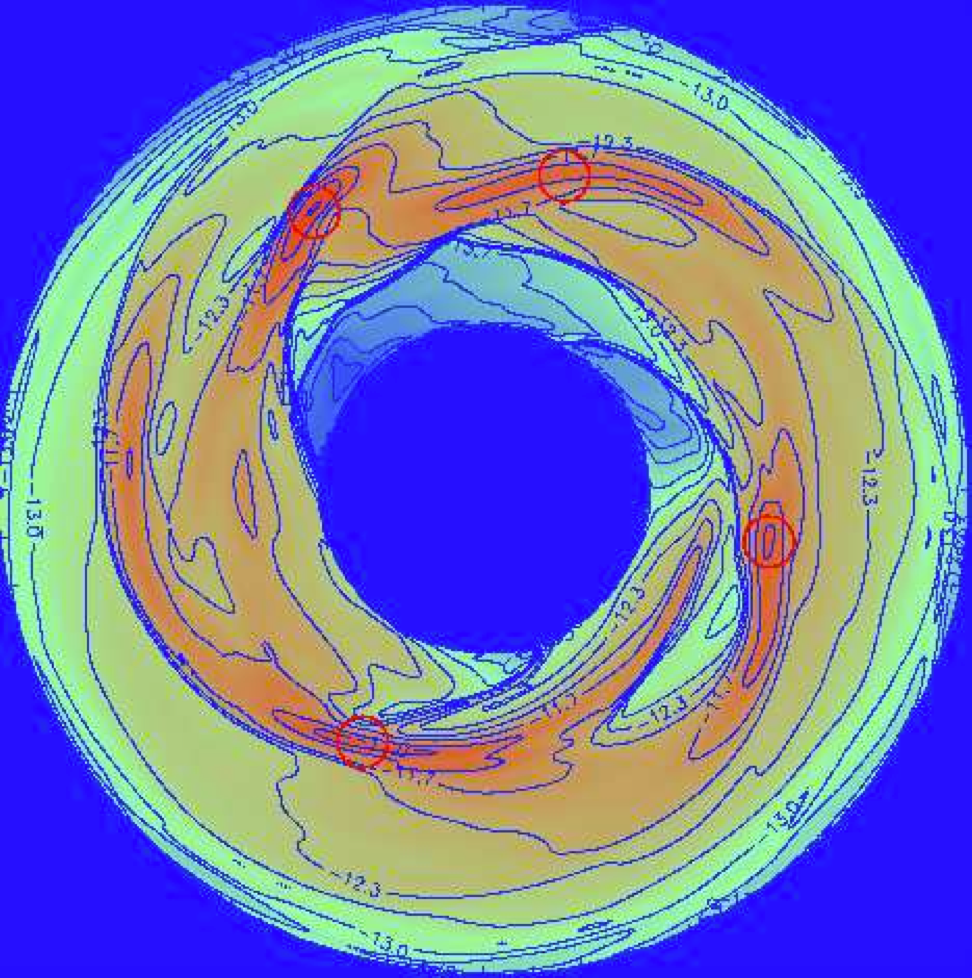
Gravity can induce global instabilities in disks around stars, which then collapse to form planets at different radii.
by Courtney Dressing | Feb 21, 2011 | Daily Paper Summaries
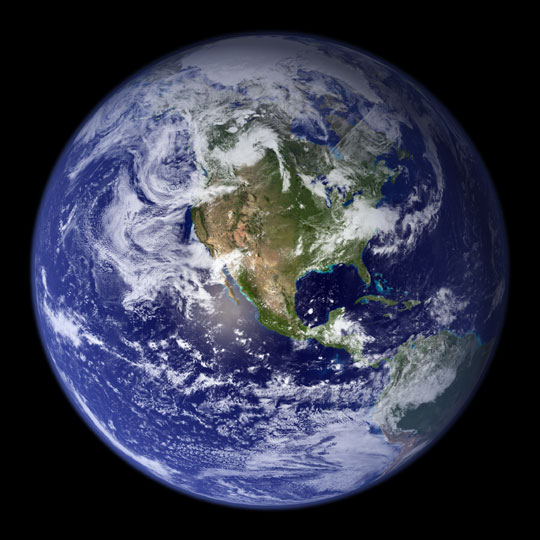
Assuming that we have acquired the spectrum of a distant terrestrial planet, what would it look like? Would we able to resolve surface features? More excitingly, would we be able to detect biomarkers in the atmospheres of alien Earths?
